Console
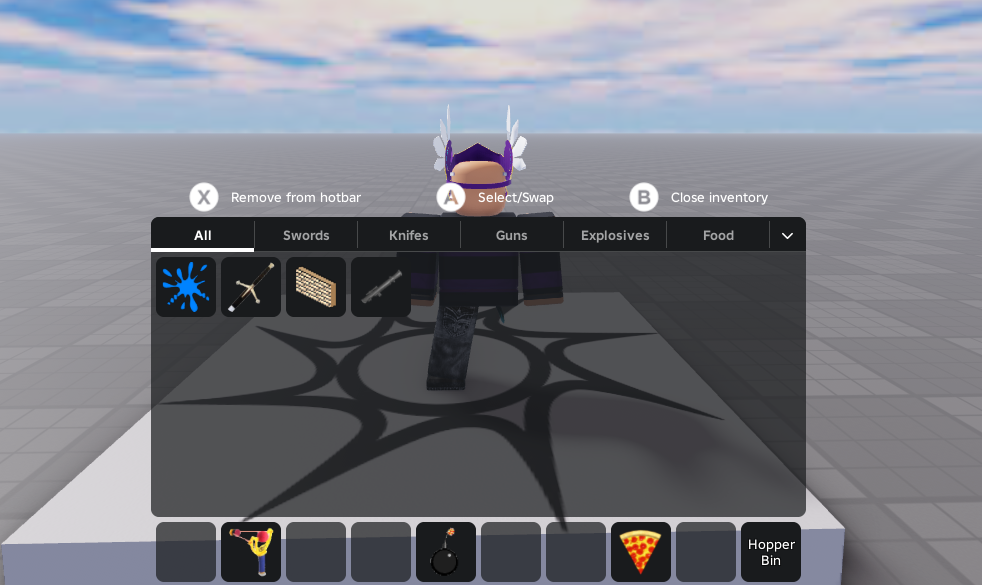
Sling provides a gamepad-compatible layout designed for consoles and controller players.
Controller Shortcuts
| Button | Action |
|---|---|
L1 / R1 (Bumpers) | Cycle left/right to select and equip/unequip tools in your hotbar. |
L1 + R1 (Together) | Press both bumpers simultaneously to quickly unequip your currently active tool. |
Button A | Select / Swap: Press once on an item to select it. Press again on another slot (in hotbar or inventory) to swap their positions. |
Button X | Remove from Hotbar: While hovering over a hotbar slot, press to return the item to your inventory. |
Button B | Close the inventory panel. |