
Phone
Sling provides a mobile-optimized layout that automatically adapts to smaller screens and touch inputs.
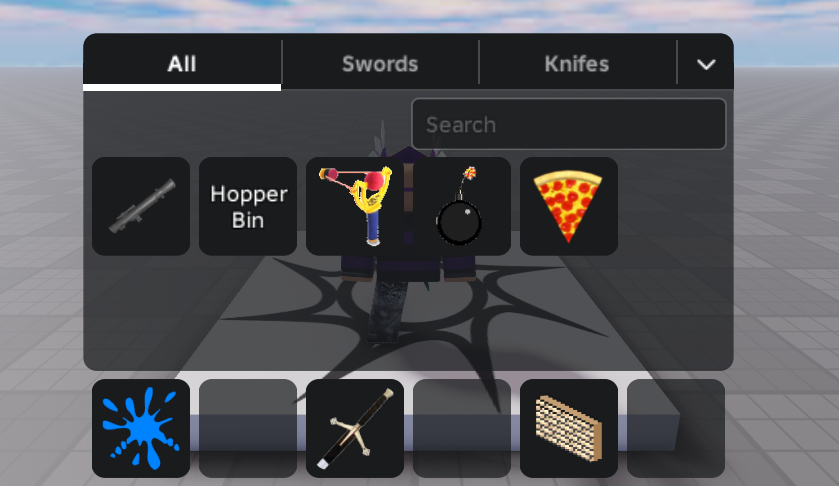
Layout
- 6 hotbar slots (Landscape mode) / 3 hotbar slots (Portrait mode)
- 2 inventory rows (Landscape mode) / 4 inventory rows (Portrait mode)
Interface Navigation
| Action | Control |
|---|---|
| Toggle Inventory | Tap the Backpack Icon in the topbar. |
| Close Inventory | Tap the topbar icon again, or tap anywhere on the screen outside of the inventory panel. |
Touch Gestures
- Quick Move to Hotbar: Double-tap any item in your inventory to quickly move it to an empty slot in the hotbar.
- Drag & Drop: Drag an item and drop it:
- Add/Swap in Hotbar: Drag from the inventory and drop onto a hotbar slot.
- Remove from Hotbar: Drag from the hotbar and drop outside it to return it to the inventory.